Why Chrome saves images as WebP (and how to get a JPG or PNG instead)
“Why is Chrome suddenly saving images as .webp?” is one of the most-asked browser questions of the last few years. The short answer: Chrome isn’t doing it. The site is.
What’s actually happening
When your browser asks for an image, it tells the server which formats it accepts. Every modern browser accepts WebP (Google’s FAQ lists Chrome, Edge, Firefox and Safari), so a site that has a WebP version of an image sends that one, because it’s about 30% smaller than the JPEG. The original JPEG may still exist on the server, but the browser never asked for it.
Save image as then writes the bytes the browser received to disk. If those bytes were WebP, you get a .webp file. Chrome isn’t converting anything; it’s saving exactly what the site sent. The same is true for AVIF, which is turning up in the same way on more sites; see AVIF to JPG on Windows.
This is also why the same image sometimes saves as JPG on one site and WebP on another, and why an image that saved as JPG last year saves as WebP now: the site changed what it serves. Browser extensions that convert on save come and go, which is why threads about them keep reappearing.
Is WebP worse quality?
No, in the way that matters. WebP has lossy and lossless modes, like JPEG and PNG, and the site chose a quality when it encoded the file. Converting a lossy WebP to JPG doesn’t recover any detail; it re-encodes what’s there, so keep the JPG quality high (85–90) to avoid adding a second round of artefacts. Converting to PNG is lossless from the WebP onwards but produces a much larger file: in our test, a 581 KB WebP photo became a 4.6 MB PNG.
What to do with the .webp files you have
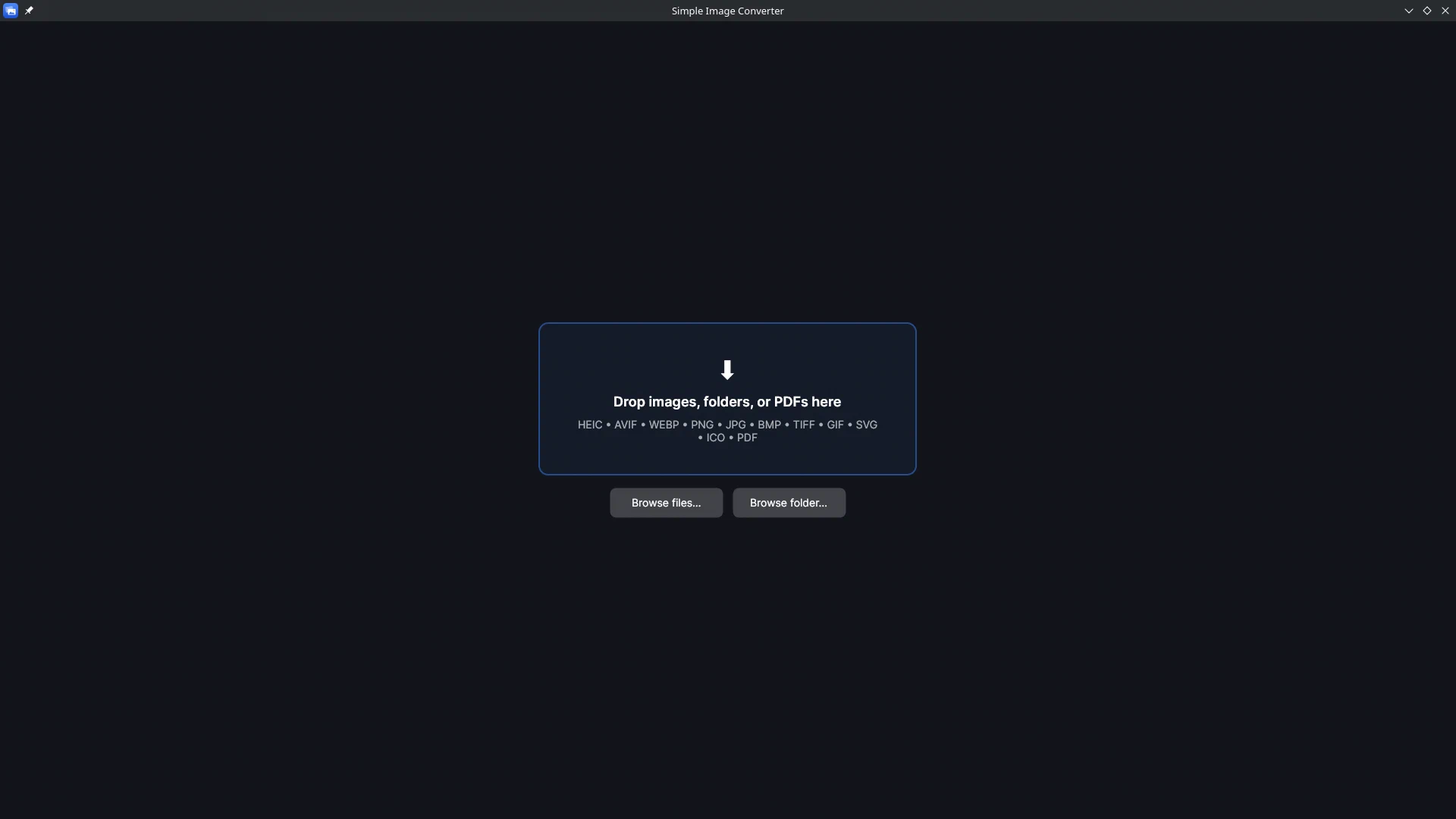
Convert them, in one pass. Simple Image Converter takes a folder, decodes WebP and AVIF alongside HEIC and PNG, and writes JPG or PNG for all of them, offline, on Windows or SteamOS/Linux. Transparency is kept in PNG and flattened onto a colour you choose for JPG; the WebP to JPG or PNG page shows the test. If you save a lot of images (reference boards, product photos, screenshots for work), that’s the difference between an afternoon and a minute. One-time purchase on Steam, no account.
Related guides
- WebP to JPG or PNG on Windows: one file, or a whole Downloads folder at once
How to convert WebP images to JPG or PNG on Windows 10 and 11 with Simple Image Converter: why you keep getting WebP, what happens to transparency (tested), and clearing a folder full of .webp files in one pass without uploading anything.
- AVIF to JPG or PNG on Windows: what AVIF is, why you're getting it, and how to convert a folder
AVIF is the newest web image format and Windows programs are still catching up. What it is, why sites serve it, and how to convert AVIF to JPG or PNG on Windows 10 and 11 in bulk with Simple Image Converter, with a measured size comparison.
- Bulk convert HEIC to JPG: whole folders of iPhone photos at once, on Windows or Linux
How to convert hundreds or thousands of iPhone HEIC photos to JPG in one pass with Simple Image Converter: why the usual routes stop at a few files a day, a timed conversion test, what happens to orientation and location data, and a folder walkthrough.