HEIC to JPG on Linux and SteamOS: a native app that opens iPhone photos without touching your distribution's packages
Linux can decode HEIC, but whether your distribution’s packages do, and whether they cope with photos from a recent iPhone, is a lottery. Here’s an app that carries its own decoder and runs on any distribution and on the Steam Deck.
Why HEIC on Linux is a lottery
HEIC decoding on Linux comes from a system library, and three things go wrong with it. Some distributions ship builds without HEVC decoding, which fails with “no decoding plugin installed for this compression format”. Older library versions choke on photos from iPhones on iOS 18, which produced a run of “won’t read HEIC from my new iPhone” questions through 2024–2025. And on SteamOS the root filesystem is read-only, so installing the packages at all takes a workaround.
Simple Image Converter sidesteps all three: it bundles its own HEIC decoder (libheif), so nothing depends on your distribution’s packages, and it works the same on any current x64 distribution (we ran it on Ubuntu; the build targets Ubuntu 22.04+ and SteamOS 3), with nothing to install beyond the app itself.
Whole folders, on Linux
Drop a folder (or use Browse folder; on the Steam Deck in Game Mode there’s no drag and drop), click iPhone photos → JPG, and it converts in parallel, applying the rotation flag so portrait photos come out upright and stripping GPS location by default. Anything it can’t read is skipped with a reason rather than stopping the batch.
We ran the Linux build on this site’s build machine (Ubuntu, under a virtual X display):
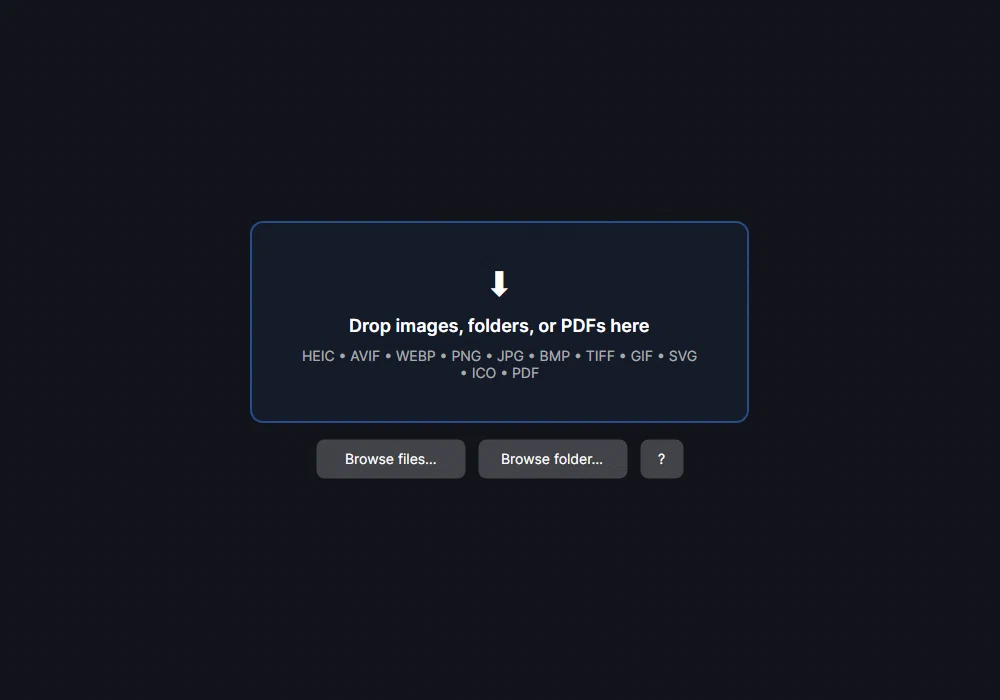
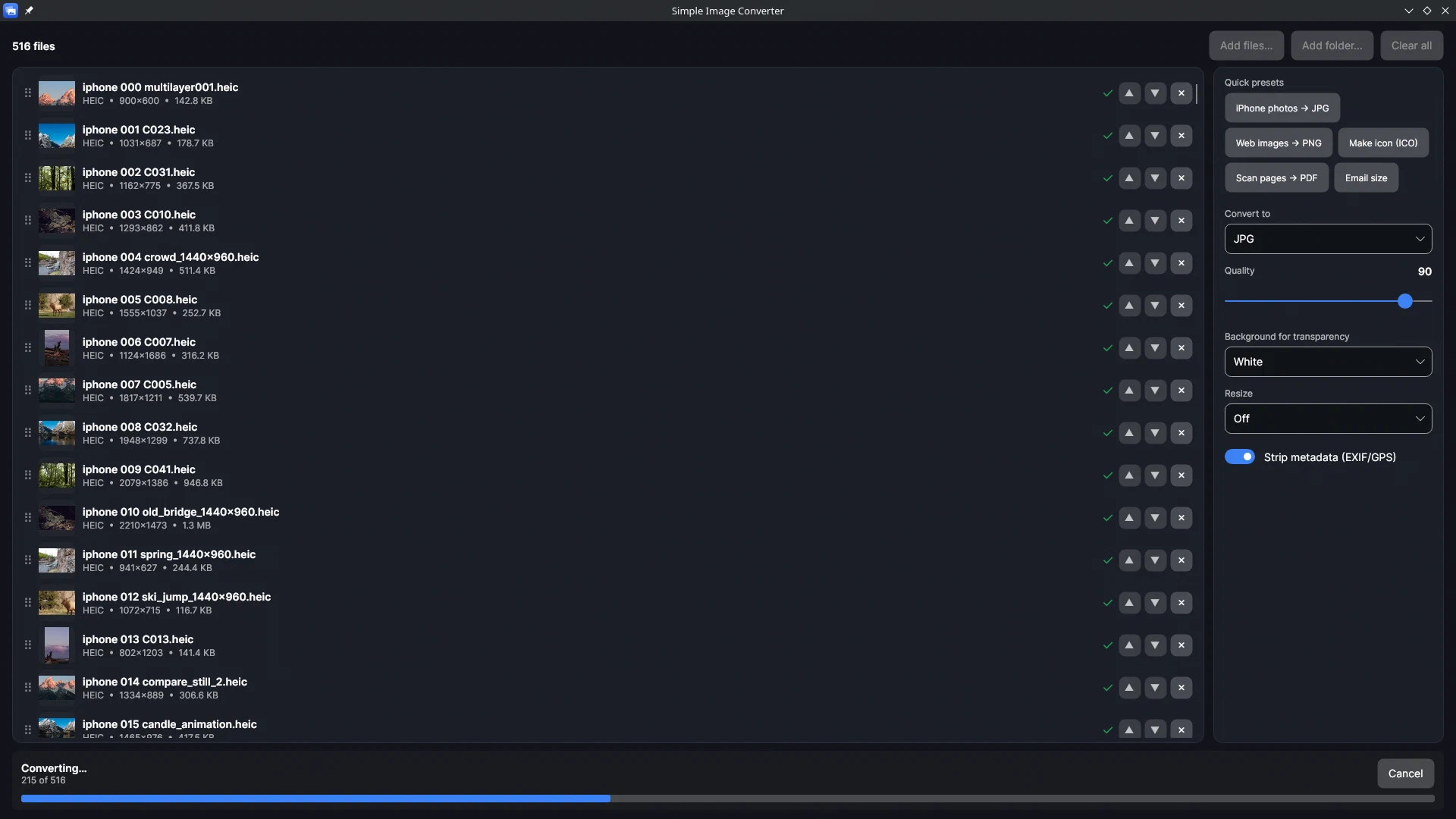
Timing on this machine, an 8-core desktop: 12 large HEICs (about 3,840 × 2,560 px, 43 MB) decoded and saved as JPG in about a second in parallel using the app’s decoder library; the method is on the bulk conversion page.
SteamOS notes
Install from Steam, run in Desktop Mode for drag and drop, or use Browse in Game Mode. SD cards are mounted under /run/media/, and the Deck’s photos folder is ~/Pictures. The app has no Steam Deck compatibility rating; controller-only use hasn’t been verified by us.
What it saves
JPG, PNG, WebP, TIFF, BMP, ICO and PDF. It can’t save HEIC or AVIF. As of 16 Sep 2026 it was the only image converter on Steam, and it’s a one-time purchase with no account and nothing uploaded.
Related guides
- Bulk convert HEIC to JPG: whole folders of iPhone photos at once, on Windows or Linux
How to convert hundreds or thousands of iPhone HEIC photos to JPG in one pass with Simple Image Converter: why the usual routes stop at a few files a day, a timed conversion test, what happens to orientation and location data, and a folder walkthrough.
- Convert HEIC to JPG without uploading, and strip the location data while you're at it
What 'no upload' actually means and how to check it yourself, what an iPhone photo carries in its metadata (GPS, device, time), and a test showing the location tag present in a HEIC and absent from the JPG Simple Image Converter's decoder produced.
- Why are my iPhone photos HEIC, and how do I get JPG instead?
What HEIC is, why iPhones since the iPhone 7 save it by default, the Camera setting that makes the phone shoot JPEG instead, and how to convert the HEIC photos you already have in one pass with Simple Image Converter, on Windows or Linux.