GIFs for your Steam store page: the 5 MB and 15 MB rules, and a budget that fits
We ship four apps on Steam, so we’ve been through the store page editor more than once. Here are the size rules from the Steamworks documentation, a budget that works, and a real 5 MB fit.
The rules, from the Steamworks documentation
| What | Limit | Source |
|---|---|---|
| Any single image or GIF in the written description | smaller than 5 MB | Steamworks Documentation — Store Page Written Description “ensure that any images are smaller than 5MB” |
| All screenshots and GIFs in the description together | below 15 MB | Steamworks Documentation — Store Page Written Description “please keep the total file size of all your screenshots and GIFs below 15MB” |
| Screenshots (the gallery, not the description) | 1920×1080 minimum, 16:9, at least 5 | Steamworks Documentation — Standard store graphical assets “1920x1080 minimum. 16:9 aspect ratio” |
The two numbers to design around are 5 MB per image and 15 MB for everything in the description together. The description column on the store page is narrower than the screenshots above it, so a GIF wider than the column is downscaled by the browser and wastes bytes.
The Steamworks page also advises keeping text out of images, because text baked into a GIF has to be re-made for every language you localise into. That matches our experience: a GIF that shows the feature working needs no caption.
A budget that fits
15 MB across a description is less than it sounds. A workable split:
| Slot | Budget | Notes |
|---|---|---|
| Hero GIF at the top | 4.5 MB | The one people see. Give it the most bytes. |
| Three feature GIFs | 2.5 MB each | One feature per GIF, 4–6 seconds, a clean loop. |
| Static screenshots in the description | 3 MB total | PNG or JPG; they count toward the 15 MB. |
That’s 15 MB exactly, so target a little under each figure.
What a 5 MB GIF at 616 px looks like
We tested with two Blender Foundation clips (CC BY 3.0), 6 seconds each, using Simple GIF Maker’s command-line mode with a 5 MB target, starting from 616 px wide (about the width of the description column) at 15 fps. Real results on an 8-core desktop, 16 Sep 2026:
| Clip | What the app reported | Result | Time |
|---|---|---|---|
| Big Buck Bunny, 6 s (bright, detailed) | 616 -> 436px wide, 15 -> 12 fps, 256 -> 160 colors -> 4.87 MB (target 5.00 MB) | 4.87 MB | 18 s |
| Sintel trailer, 6 s (darker, flatter) | 616 -> 492px wide, 15 -> 13 fps, 256 -> 192 colors -> 4.73 MB (target 5.00 MB) | 4.73 MB | 8 s |
Six seconds of bright, detailed footage at full description width doesn’t fit in 5 MB; the app had to come down to 436 px and 12 fps. The darker clip kept more. In practice this means:
- Trim hard. Four seconds of one feature beats eight seconds of wandering. Our length measurements show a 5-second clip at roughly half the size of a 10-second one at the same settings.
- Crop to the action. A 616-px crop of the interesting part of the screen is sharper than the whole window shrunk to 616 px, and it compresses better because there’s less detail.
- 12–15 fps is enough for gameplay GIFs on a store page. 24 fps costs about 1.5× the bytes for motion nobody studies.
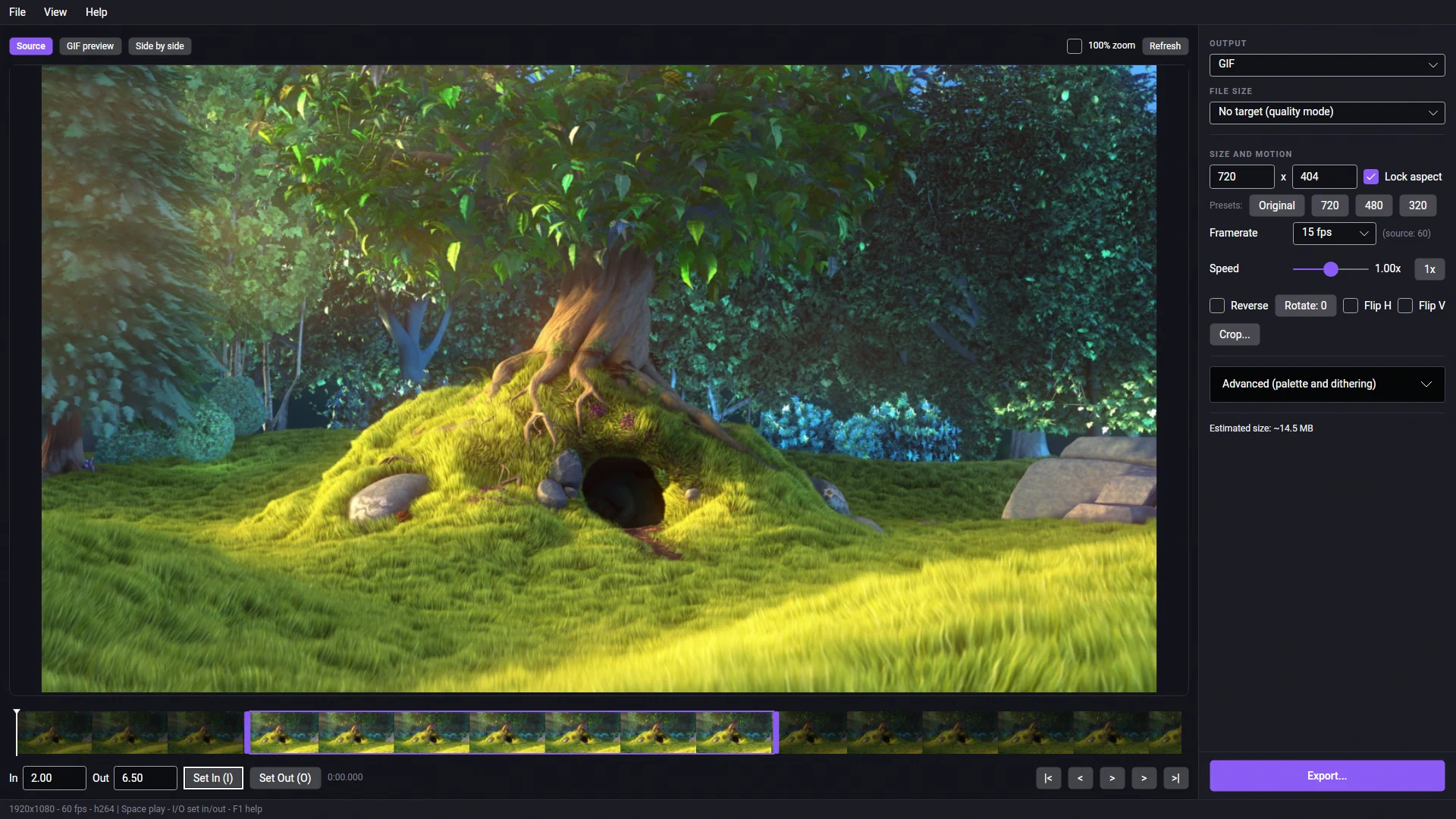
- Loop cleanly. Pick in and out points where the scene matches, so the loop doesn’t jump. The app’s thumbnail timeline makes the join easy to see.
Which slots take animation
Check the current Steamworks documentation for which description slots accept animated images; that detail changes and we only quote what we could read on the day we checked. The app exports GIF and animated WebP from the same trim, so either format is one dropdown away.
One export per slot
Type 4.5 MB, trim, export; type 2.5 MB, trim, export. The size target and the true preview mean each GIF is made once, not encoded and re-encoded until it squeezes under the line. Simple GIF Maker runs on Windows and on SteamOS/Linux in Desktop Mode, never uploads your footage, and is a one-time purchase on Steam.
Related guides
- GIF size limits for Discord, GitHub, Steam and Slack, checked against the official pages
The current GIF and file upload limits for Discord, GitHub, Steam store pages and Slack, each with a link to the official page and the date it was checked, plus how Simple GIF Maker hits any of them on the first try.
- How to make a GIF smaller: what each setting costs, measured on one clip
Why GIFs are so big, and what shrinking one actually costs: width, frame rate, colours, dithering and length measured on the same clip with real file sizes and crops. Then the one-step way with Simple GIF Maker's size target, including shrinking a GIF you already have.