How to make a GIF smaller: what each setting costs, measured on one clip
“Reduce GIF size without losing quality” is a wish, not a setting. Every byte you remove comes from somewhere. This page shows exactly where, with one clip encoded more than twenty different ways, so you can choose the trade you mind least, and then let the app make it for you.
Why your GIF is so big
GIF was designed in 1987. Every frame is stored as a bitmap with at most 256 colours, and its compression only finds runs of identical pixels. Video formats store the difference between frames and throw away detail you can’t see; GIF does neither. So the size is close to:
pixels per frame × number of frames × how noisy the pixels are
Noise is the part people miss. To fake more than 256 colours, encoders dither: they scatter pixels of nearby palette colours to blend them. Your eye reads it as a smooth gradient; the compressor reads it as random data it can’t shrink. That’s why a GIF of a clean gradient can be bigger than one of a busy photo.
One clip, measured 23 ways
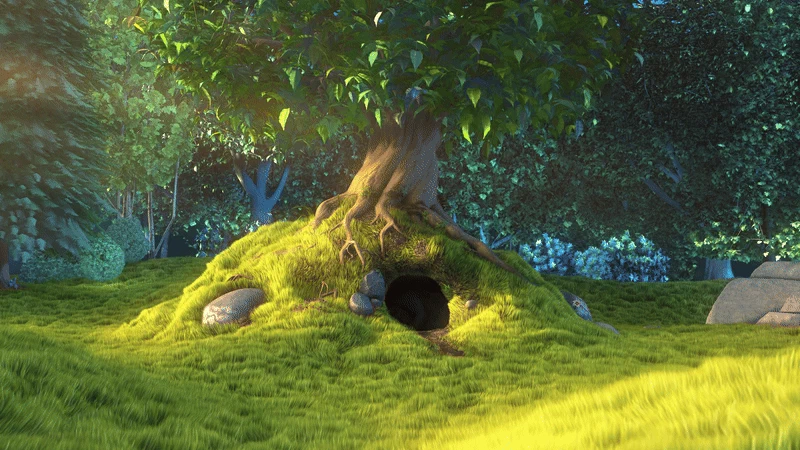
All numbers below are real file sizes from a 10-second, 1080p clip of Big Buck Bunny (Blender Foundation, CC BY 3.0), encoded on 16 Sep 2026 with the same two-pass palette pipeline Simple GIF Maker uses. Unless a row says otherwise: 256 colours, Sierra dithering, one palette for the whole clip.
Width and frame rate
| Width | 10 fps | 15 fps | 24 fps |
|---|---|---|---|
| 320 px | 4.2 MB | 5.8 MB | 8.4 MB |
| 480 px | 9.8 MB | 13.6 MB | 19.8 MB |
| 640 px | 17.8 MB | 25.1 MB | 36.6 MB |
| 800 px | 28.2 MB | 40.0 MB | 58.8 MB |
| 960 px | 41.0 MB | 58.4 MB | 86.3 MB |
Width is the big lever because pixels scale with its square: halving the width (960 → 480) cut the file to about a quarter (58.4 → 13.6 MB at 15 fps). Frame rate is close to linear: 24 → 15 fps saved about a third; 15 → 10 fps saved another quarter.
Colours
At 480 px and 15 fps:
| Colours | Size | Saving vs 256 |
|---|---|---|
| 256 | 13.6 MB | |
| 128 | 10.9 MB | 20% |
| 64 | 8.4 MB | 38% |
| 32 | 6.5 MB | 52% |
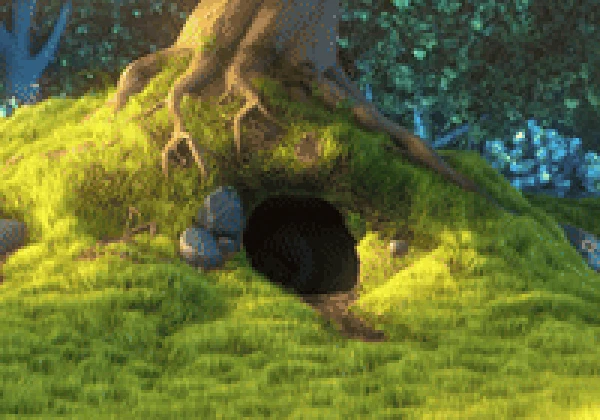
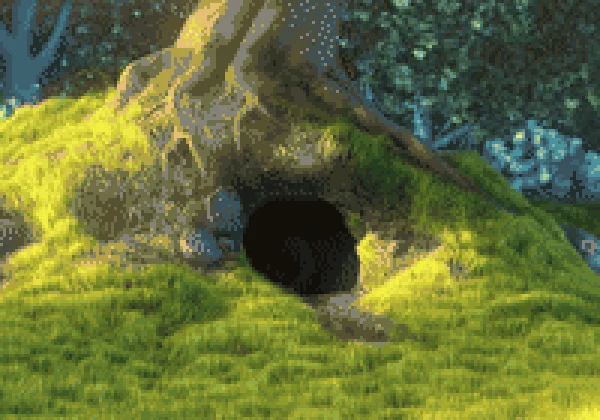
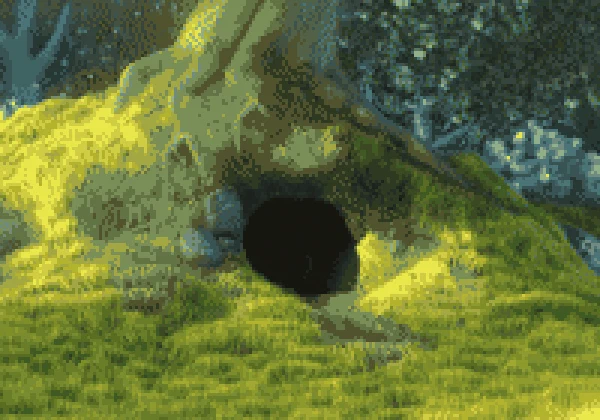
Colours save less than you’d expect because dithering fills the gaps with noise, and noise is what the compressor can’t shrink. Here’s what each step looks like, cropped from the same frame and enlarged 3×:
Dithering
At 480 px, 15 fps, 256 colours:
| Dithering | Size |
|---|---|
| Sierra (the app’s default) | 13.6 MB |
| Floyd–Steinberg | 13.2 MB |
| Bayer, scale 3 | 11.7 MB |
| None | 11.6 MB |
Turning dithering off saves about 15% on this footage, and Bayer (an ordered pattern instead of scattered error) saves nearly as much. The cost is banding in gradients: skies, shadows, and soft lighting turn into visible steps. On flat interface captures there are no gradients to protect, so dithering off is the right call for UI GIFs; on video, keep Sierra unless you’re desperate. The palettes and dithering page has enlarged crops of each mode.
Length
At 480 px, 15 fps, 256 colours: 10 seconds is 13.6 MB, 5 seconds is 6.8 MB, 3 seconds is 4.1 MB. Length is the only lever that costs nothing in quality. Trim first, on the app’s timeline.
The one-step way
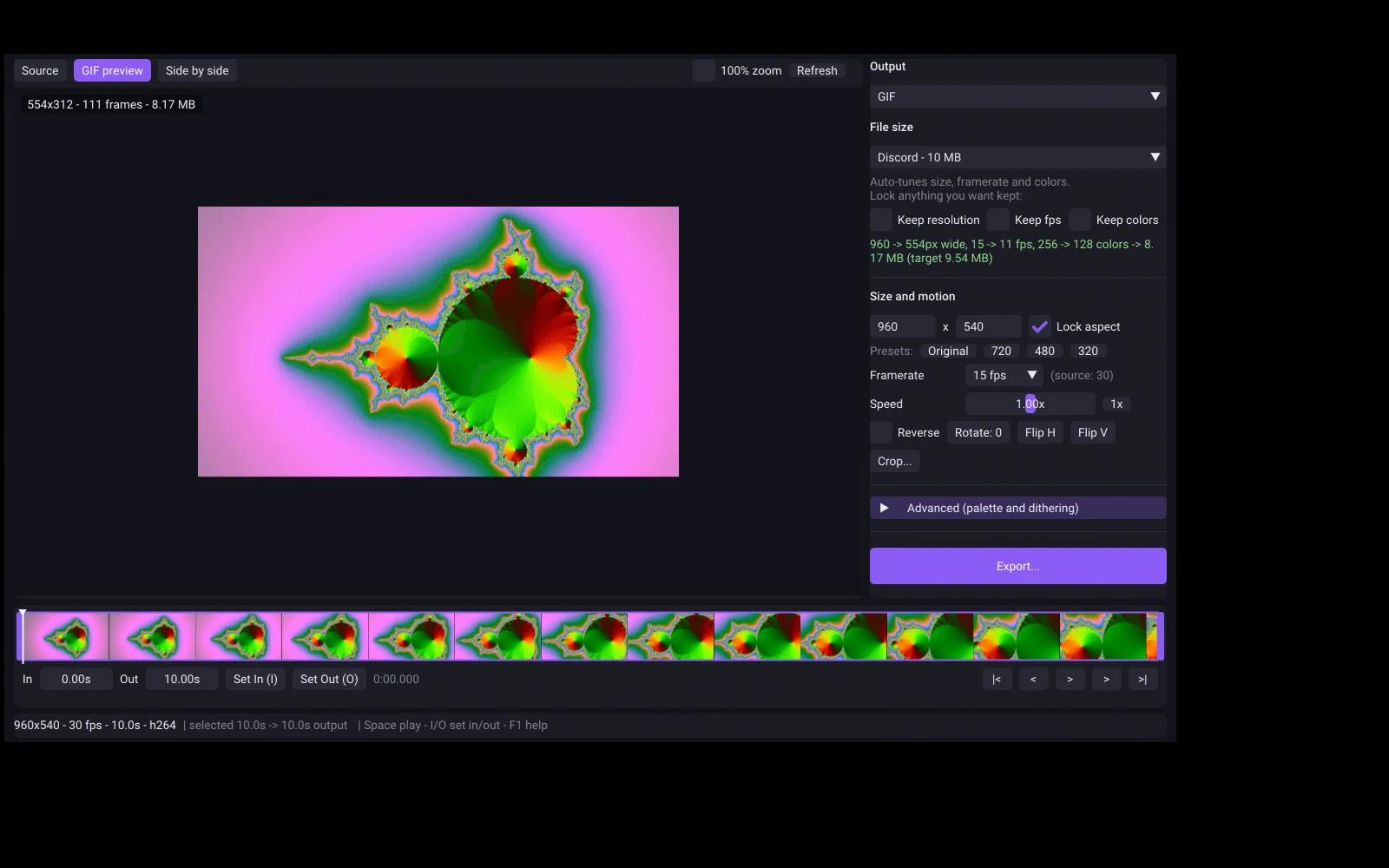
In Simple GIF Maker you type the size and it does all of the above for you: it encodes real GIFs and adjusts width, frame rate and colours until one fits, then shows you the trade-off line and a preview that is the encoded file. Lock Keep resolution if width is the thing you mind losing, or Keep fps for smooth motion, and it works around the lock.
Shrinking a GIF you already have
If you only have the GIF, not the source video, the app takes GIF as input and applies the same trades. We fed it the 86.3 MB 960 px / 24 fps GIF from the table above and asked for 8 MB, then 4 MB. Real runs on an 8-core desktop:
| Target | What the app reported | Result | Time |
|---|---|---|---|
| 8 MB | 960 -> 442px wide, 24 -> 12 fps, 256 -> 80 colors -> 6.79 MB (target 8.00 MB) | 6.79 MB | 26 s |
| 4 MB | 960 -> 352px wide, 24 -> 10 fps, 256 -> 48 colors -> 3.06 MB (target 4.00 MB) | 3.06 MB | 22 s |
Re-encoding a GIF stacks two rounds of palette reduction, so a GIF made from the original video at the same settings looks a little better. Use the source video when you have it; the app opens MP4, MOV, MKV, WebM, AVI and more. One-time purchase on Steam, Windows and SteamOS/Linux.
Related guides
- Discord GIF size limit: 20 MB free, 50 MB Nitro Basic, 500 MB Nitro, and 256 KB for emoji
Discord's current upload limits, read from Discord's own help pages on the date shown: 20 MB for free accounts since August 2026, 50 MB with Nitro Basic, 500 MB with Nitro, and under 256 KB for custom emoji. Plus how to make a GIF that fits first time with Simple GIF Maker.
- GIF size limits for Discord, GitHub, Steam and Slack, checked against the official pages
The current GIF and file upload limits for Discord, GitHub, Steam store pages and Slack, each with a link to the official page and the date it was checked, plus how Simple GIF Maker hits any of them on the first try.
- Why some GIFs look good and others don't: palettes and dithering, measured
What separates a clean GIF from a blotchy one: a palette built from the clip itself, and the right dithering for the footage. Measured on one clip with real file sizes and enlarged crops, and how Simple GIF Maker makes those choices for you with a preview that is the real encode.