GIF vs animated WebP: measured sizes, and where each one actually plays
Animated WebP is a fraction of the size of a GIF of the same clip. The reason GIF is still everywhere is that WebP doesn’t play in every place a GIF does. Here are the numbers we measured, the places we could verify, and why it’s useful to have both a click away.
The size difference, measured
One 10-second 1080p clip from Big Buck Bunny (Blender Foundation, CC BY 3.0), scaled to 480 px wide at 15 fps, encoded on 16 Sep 2026 with the same encoder pipeline Simple GIF Maker uses. The GIF uses the two-pass palette (256 colours, Sierra dithering); the WebP uses the animated encoder.
| Format | Setting | Size |
|---|---|---|
| GIF | 256 colours, Sierra dithering | 13.6 MB |
| GIF | 64 colours | 8.4 MB |
| Animated WebP, lossy | quality 75 | 3.7 MB |
| Animated WebP, lossy | quality 50 | 2.0 MB |
| Animated WebP, lossless | 31.2 MB |
So a lossy WebP at a quality most people can’t tell from the source is about a quarter the size of the GIF, and it keeps full 24-bit colour with no dithering. Lossless WebP is the odd one out: it’s bigger than the GIF because it stores every pixel exactly, which is only worth it for flat graphics.
Here’s a 3-second, 240-px cut of the same clip in both formats so you can compare them in your browser:


Where animated WebP plays, and where it doesn’t
Only rows we could verify on the day are listed; the source and date are given for each.
| Place | Animated WebP | Source, checked 16 Sep 2026 |
|---|---|---|
| Chrome, Edge, Firefox, Safari | Yes. WebP is supported in Chrome from version 32, Firefox 65, Safari 16 and Edge 18; global support is about 97% of browsers in use. | Can I use: WebP |
| Discord custom emoji | Yes. Custom emoji “must be under 256KB in size and use supported formats like JPEG, PNG, GIF, or WEBP”. | Discord: How to Add Custom Emojis |
| Discord uploads in chat | Users report animated WebP uploads have played inline since late 2024, with complaints about how they play. Discord’s attachments FAQ doesn’t list WebP either way, so treat this as community-reported. | r/discordapp threads, Sep 2024 (“Discord now supports animated WebP images!”) and Jan 2025 (“Discord now supports animated WebP. Poorly.”) |
| GitHub issues, PRs and README attachments | Not listed. GitHub’s attachable image formats are PNG, GIF, JPEG and SVG. Use GIF for a README. | GitHub Docs: Attaching files |
| Slack, X, Steam library artwork, Windows Photos | Not verified by us on the day. We’d rather leave the row blank than guess. |
When to use which
Use animated WebP when you control where it’s shown: your own website, a README on a platform that renders it, a Discord emoji, or anywhere the receiver is a modern browser. You get a quarter of the bytes and full colour.
Use GIF when the destination is a chat app, forum, or tool whose support you can’t check, or when the file has to work as an image in the widest possible set of places. GitHub attachments are the clearest example.
Both from the same trim, in the app
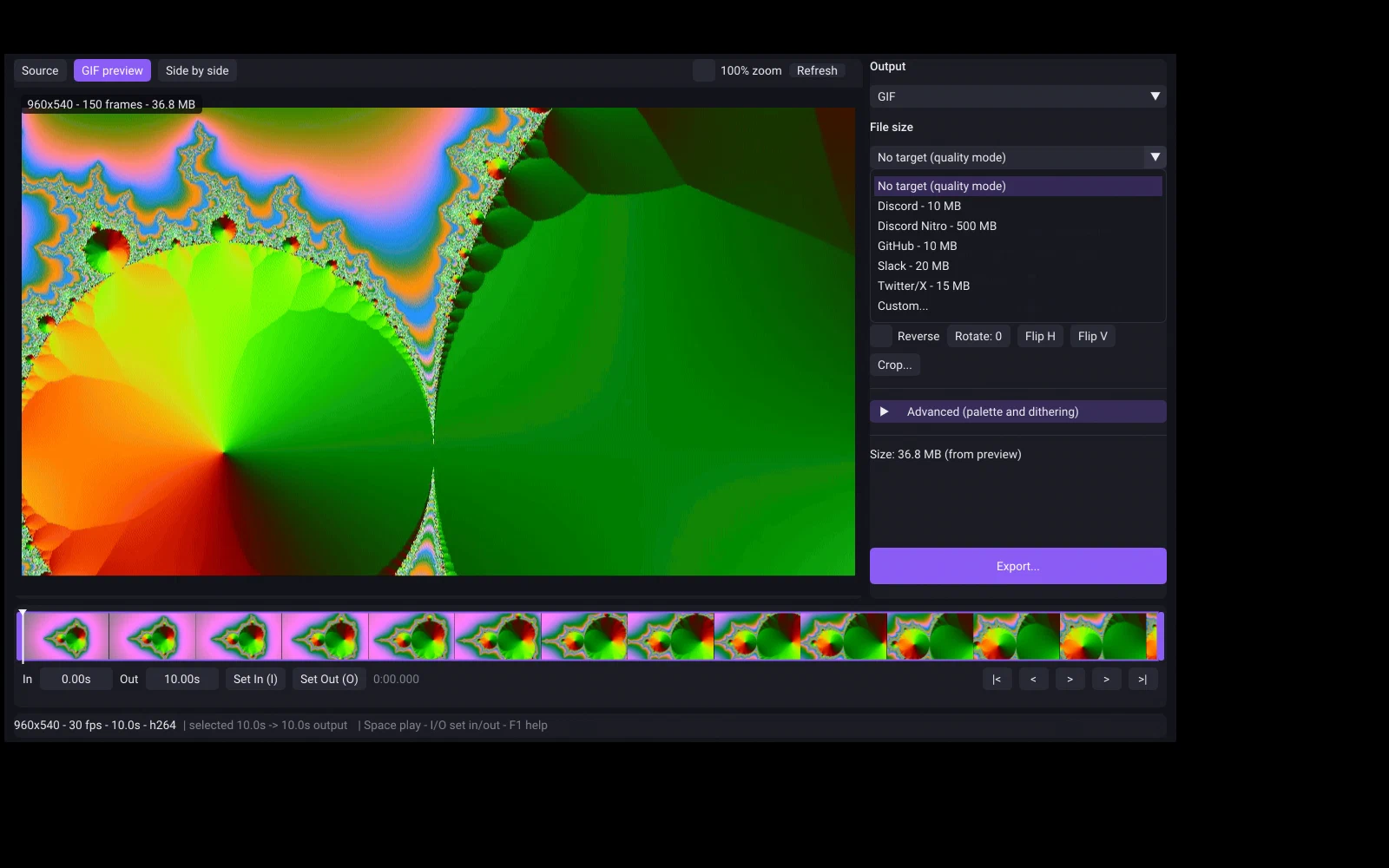
Simple GIF Maker exports GIF and animated WebP from the same trim, crop and size target, so switching formats is one dropdown, not a second tool. The size search trades colours for GIF and quality for WebP, so a lossy WebP keeps its width and frame rate far longer than a GIF asked to hit the same number. The GIF preview is the real encoded file; the WebP preview is close but not byte-exact, so check the exported size. One-time purchase on Steam, Windows and SteamOS/Linux.
Related guides
- Discord GIF size limit: 20 MB free, 50 MB Nitro Basic, 500 MB Nitro, and 256 KB for emoji
Discord's current upload limits, read from Discord's own help pages on the date shown: 20 MB for free accounts since August 2026, 50 MB with Nitro Basic, 500 MB with Nitro, and under 256 KB for custom emoji. Plus how to make a GIF that fits first time with Simple GIF Maker.
- GIF size limits for Discord, GitHub, Steam and Slack, checked against the official pages
The current GIF and file upload limits for Discord, GitHub, Steam store pages and Slack, each with a link to the official page and the date it was checked, plus how Simple GIF Maker hits any of them on the first try.