Why some GIFs look good and others don't: palettes and dithering, measured
A GIF can only hold 256 colours per frame. Whether it looks like the video or like a bad photocopy comes down to two choices most converters hide from you: which 256 colours, and how the gaps between them are filled.
The palette is everything
A GIF stores every frame with a palette of at most 256 colours. A converter that uses a fixed, generic palette (the same 256 colours for every video ever) wastes most of them on shades the clip never contains and has too few for the ones it does. The result is banding in skies, blotches in shadows, and skin tones that turn orange.
The fix is a two-pass encode: the first pass studies the whole clip and builds a palette that fits this footage; the second pass encodes with it. Simple GIF Maker always works this way. The app’s own quality-comparison set shows the difference on a gradient test pattern:
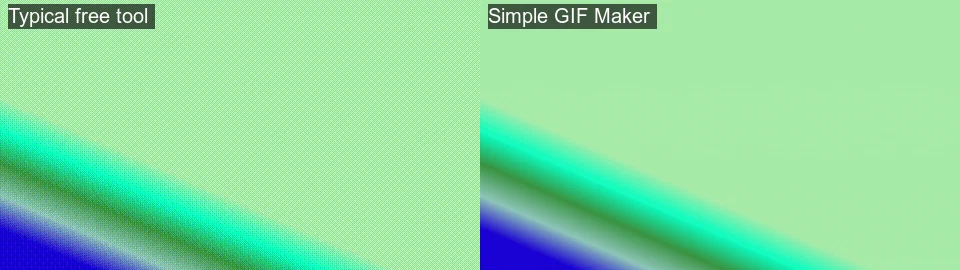
A good palette often makes a slightly larger file than a bad one, because smooth dithering compresses less well than flat blotches: on this gradient test, 2.77 MB against 1.59 MB. Quality per byte is the point, and the app’s size target handles the bytes.
Three palette modes
- Auto (per scene), the default: a new palette whenever the footage changes character, for example a cut from a forest to a sky.
- Single: one palette for the whole clip. Slightly smaller files; best for clips that stay in one place.
- Per frame: a fresh 256 colours for every frame. The best colour fidelity on clips with many cuts; slower to encode.
Dithering, measured
Dithering scatters pixels of neighbouring palette colours to fake the shades in between. It’s what makes a 256-colour image look like more, and it’s also noise that costs bytes. We measured the app’s four options on a 10-second Big Buck Bunny clip (Blender Foundation, CC BY 3.0) at 480 px, 15 fps, 256 colours, 16 Sep 2026, using the app’s encoder pipeline:
| Dithering | Size | Look |
|---|---|---|
| Sierra (the app’s default) | 13.6 MB | Smooth; fine scattered pattern in gradients |
| Floyd–Steinberg | 13.2 MB | Very close to Sierra; slightly different grain |
| Bayer, scale 3 | 11.7 MB | Ordered crosshatch pattern; compresses better; can look “screen-door” on soft areas |
| None | 11.6 MB | Banding in gradients; cleanest on flat interface captures |
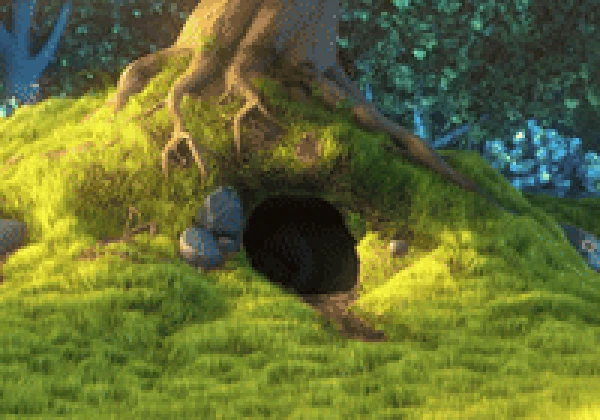
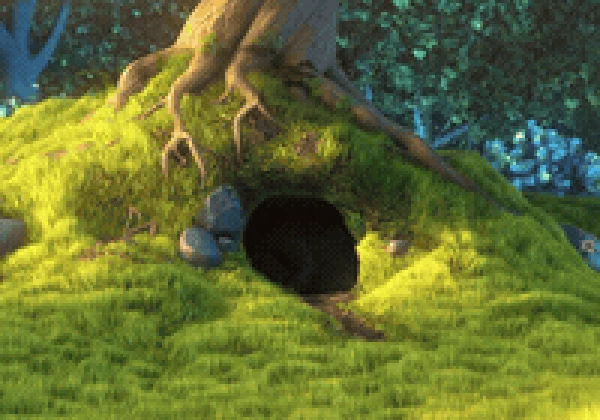
Rules of thumb the app makes easy to follow: video and photos get Sierra; flat interface captures get None with a lower colour count; Bayer is the compromise when a video GIF must lose 15% and you’d rather keep the width. All four are in the app’s Advanced (palette and dithering) panel, and the preview updates with the real encode, so you see the grain before you export.
Why the preview matters
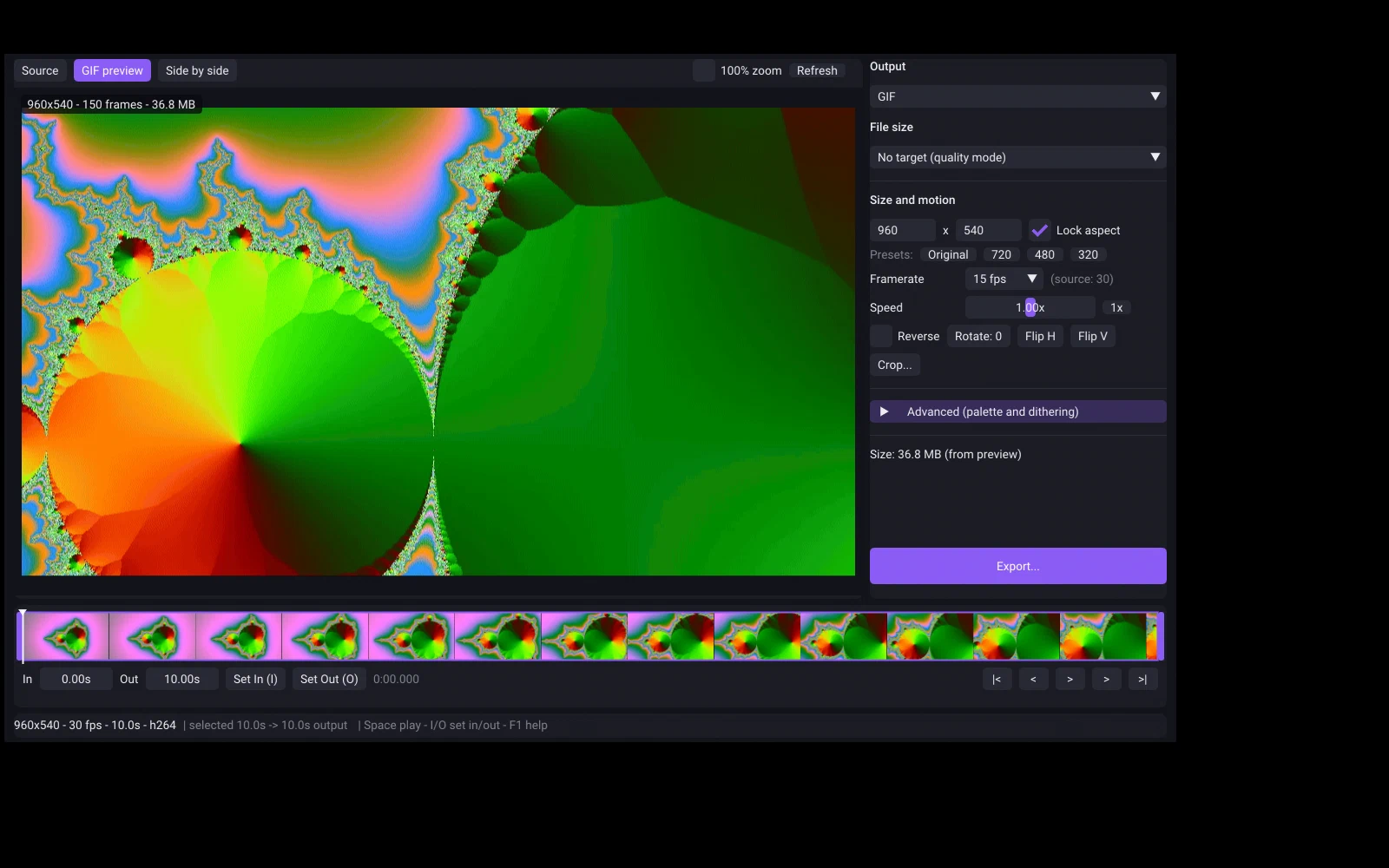
Most tools show you the source video and hope for the best. Simple GIF Maker’s preview is the encoded GIF, with the same palette, dithering and loop as the export, so the size it reports is the size you get and the grain you see is the grain you ship. Combined with the size target, that means one export instead of five.
Related guides
- How to make a GIF smaller: what each setting costs, measured on one clip
Why GIFs are so big, and what shrinking one actually costs: width, frame rate, colours, dithering and length measured on the same clip with real file sizes and crops. Then the one-step way with Simple GIF Maker's size target, including shrinking a GIF you already have.
- Video to GIF on Linux and SteamOS: a native app with a size target, in Desktop Mode too
Convert MP4, MKV or WebM to GIF on Ubuntu, Fedora, Arch, Mint or SteamOS with Simple GIF Maker: a native, self-contained Linux build with a real preview and a file-size target, installed from Steam. Tested on this site's Linux build machine, with screenshots.
- GIF vs animated WebP: measured sizes, and where each one actually plays
The same clip encoded as a GIF and as an animated WebP with Simple GIF Maker's pipeline, with real file sizes, plus a compatibility table for browsers, Discord and GitHub with sources and dates. When WebP wins, when GIF is still the safe choice, and how the app exports both.