Simple Voice Changer
Voice changer and soundboard for Discord, games and streams: neural voices on your CPU, your own RVC character models, or classic effects. It has its own site now, simplevoicechanger.io.
SIMPLE GIF MAKER — MP4, MOV, MKV, AVI TO GIF & ANIMATED WEBP
Turn a clip into a GIF or animated WebP that fits Discord, GitHub or any byte budget on the first try, offline on Windows and Linux. The preview is the real encode.
Windows + SteamOS/Linux · one-time purchase · no account
Windows 10/11 · SteamOS (Desktop Mode) · Linux (x64, self-contained)
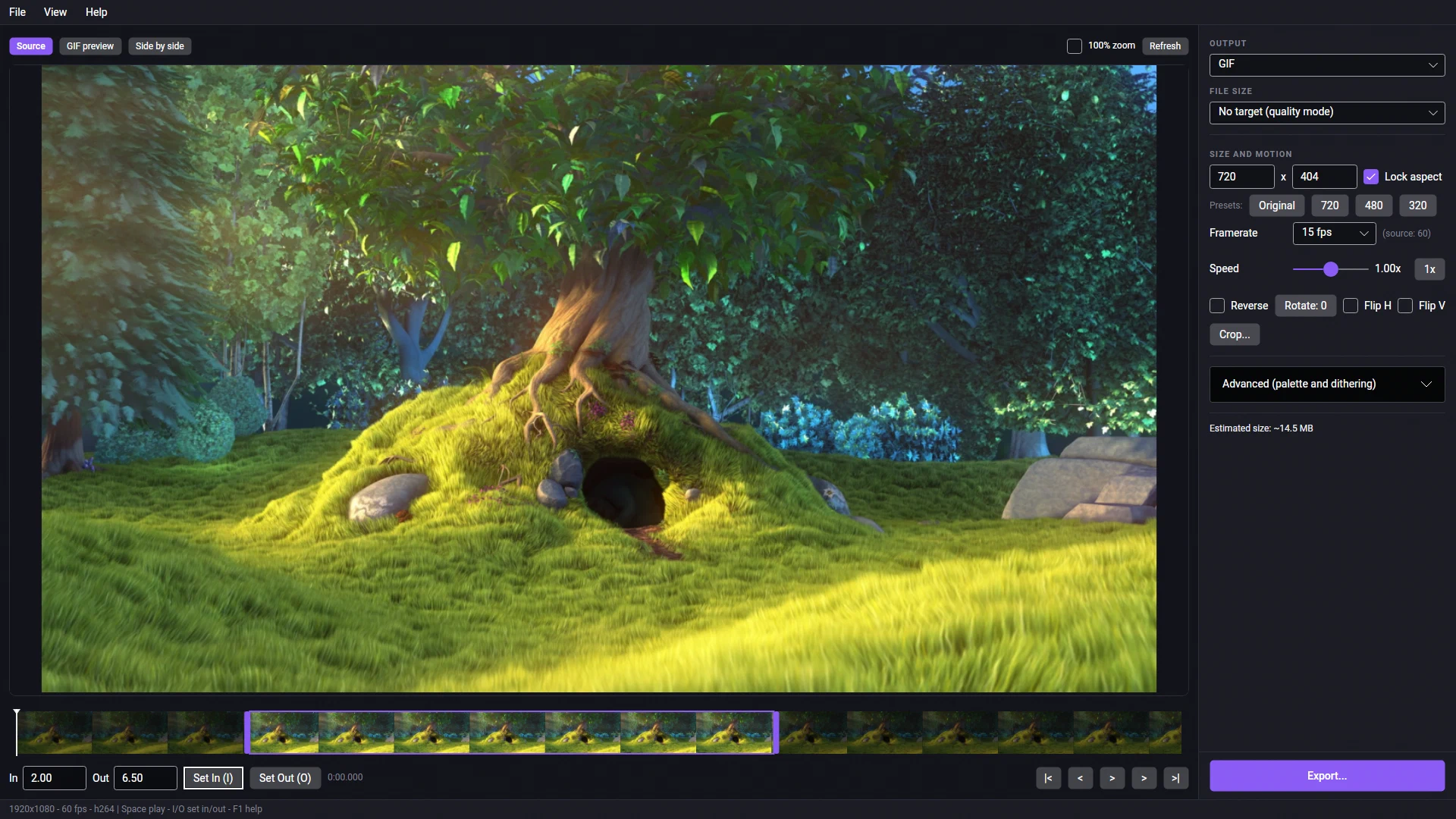
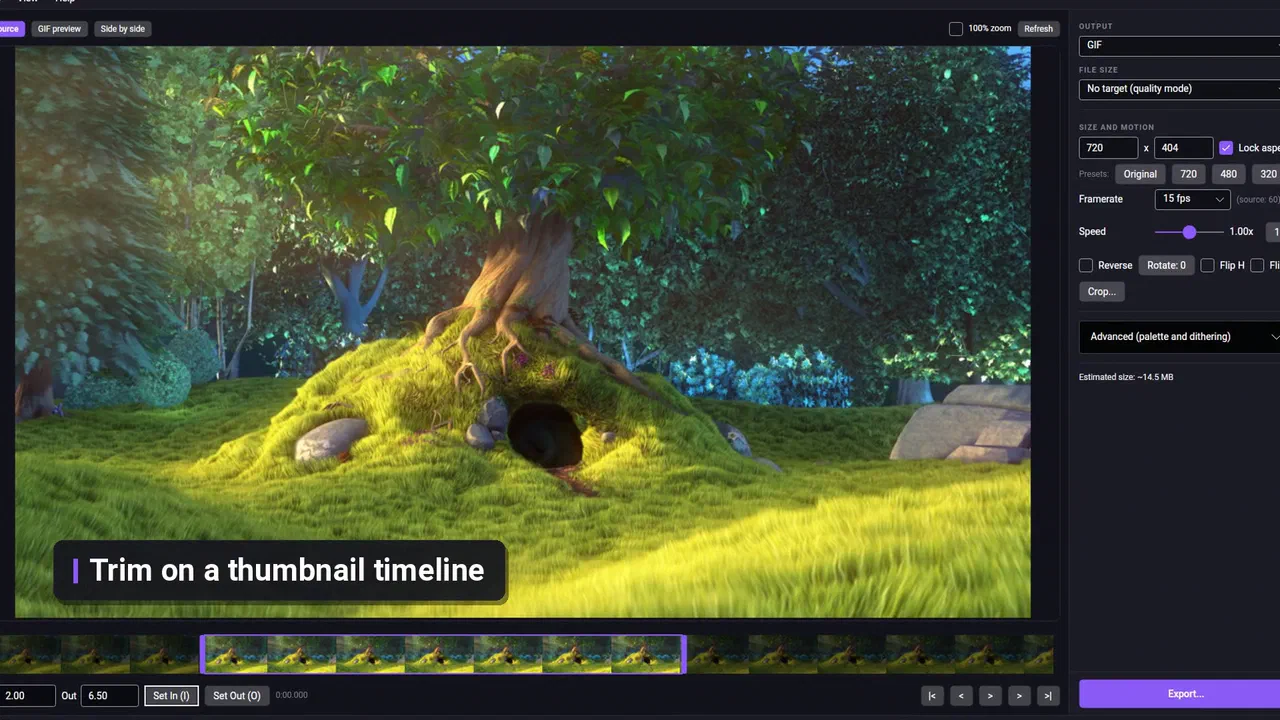
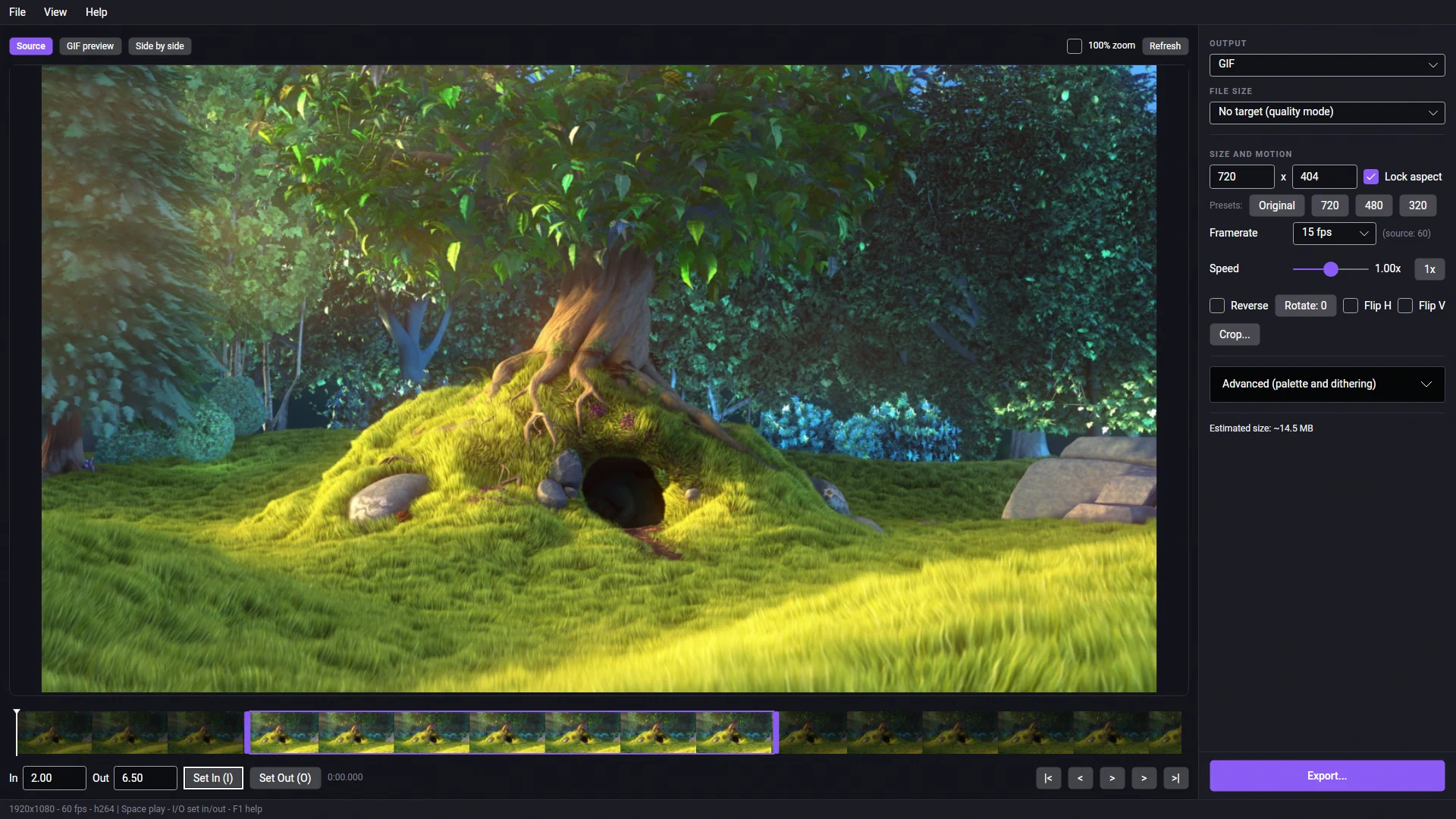
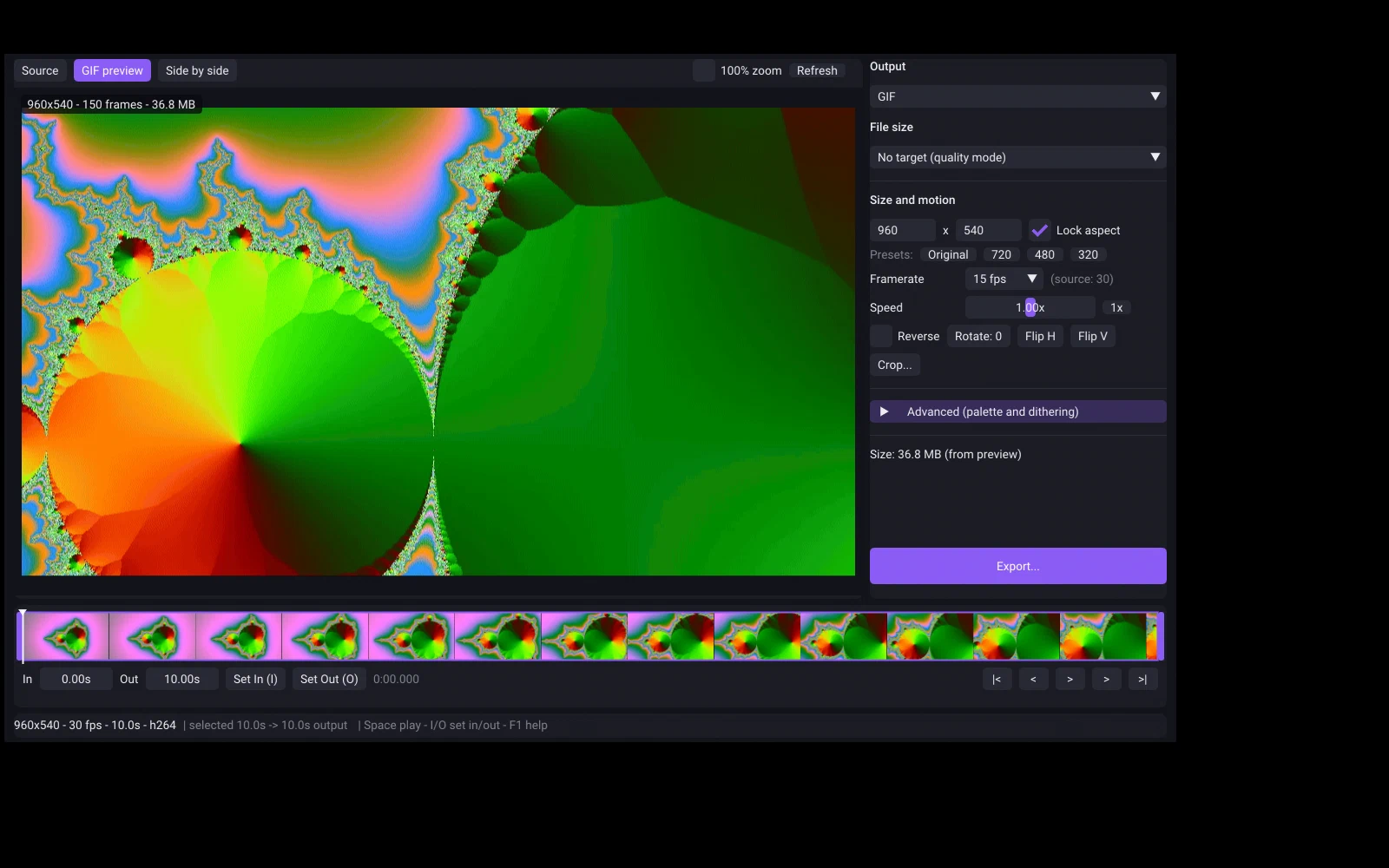
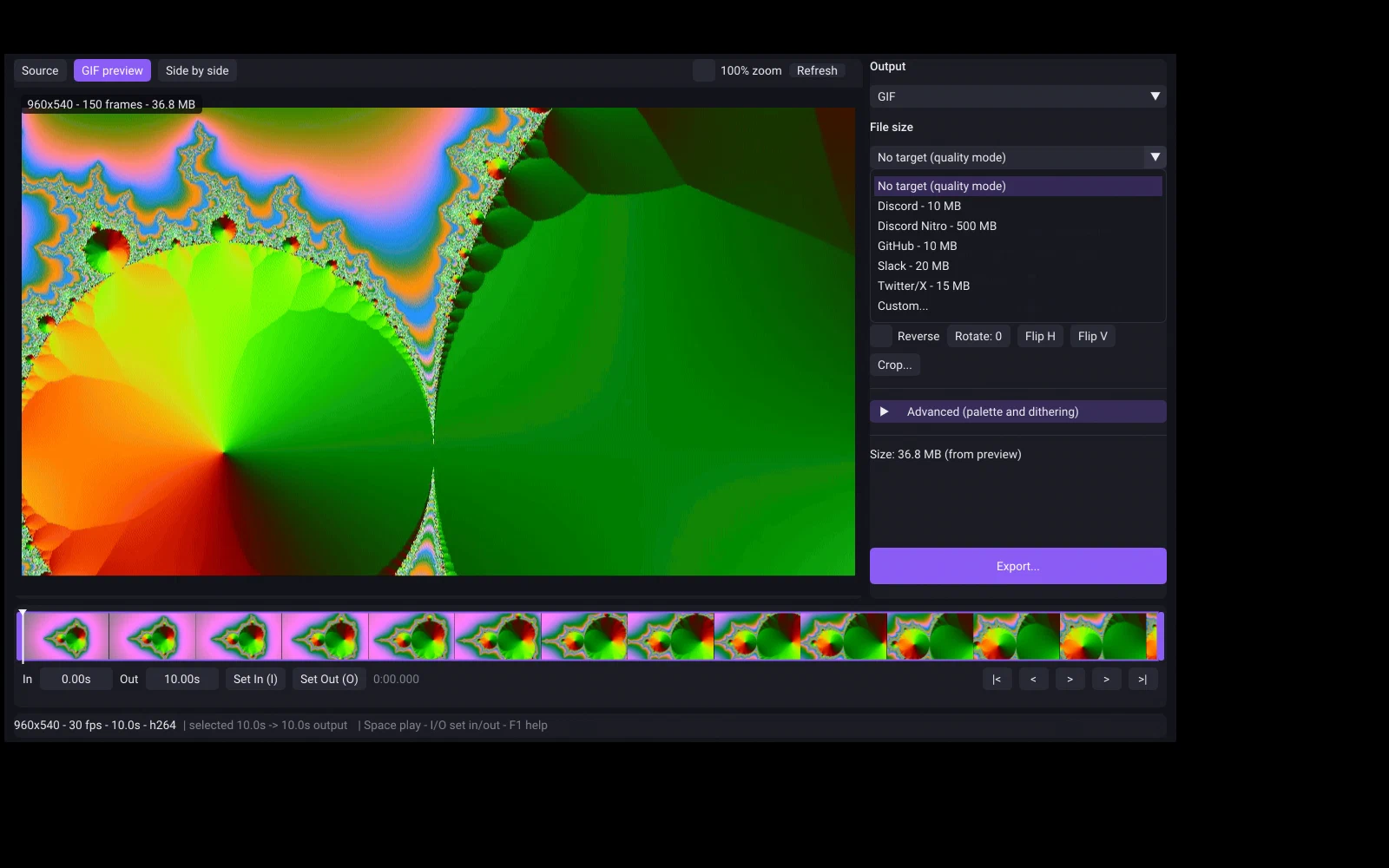
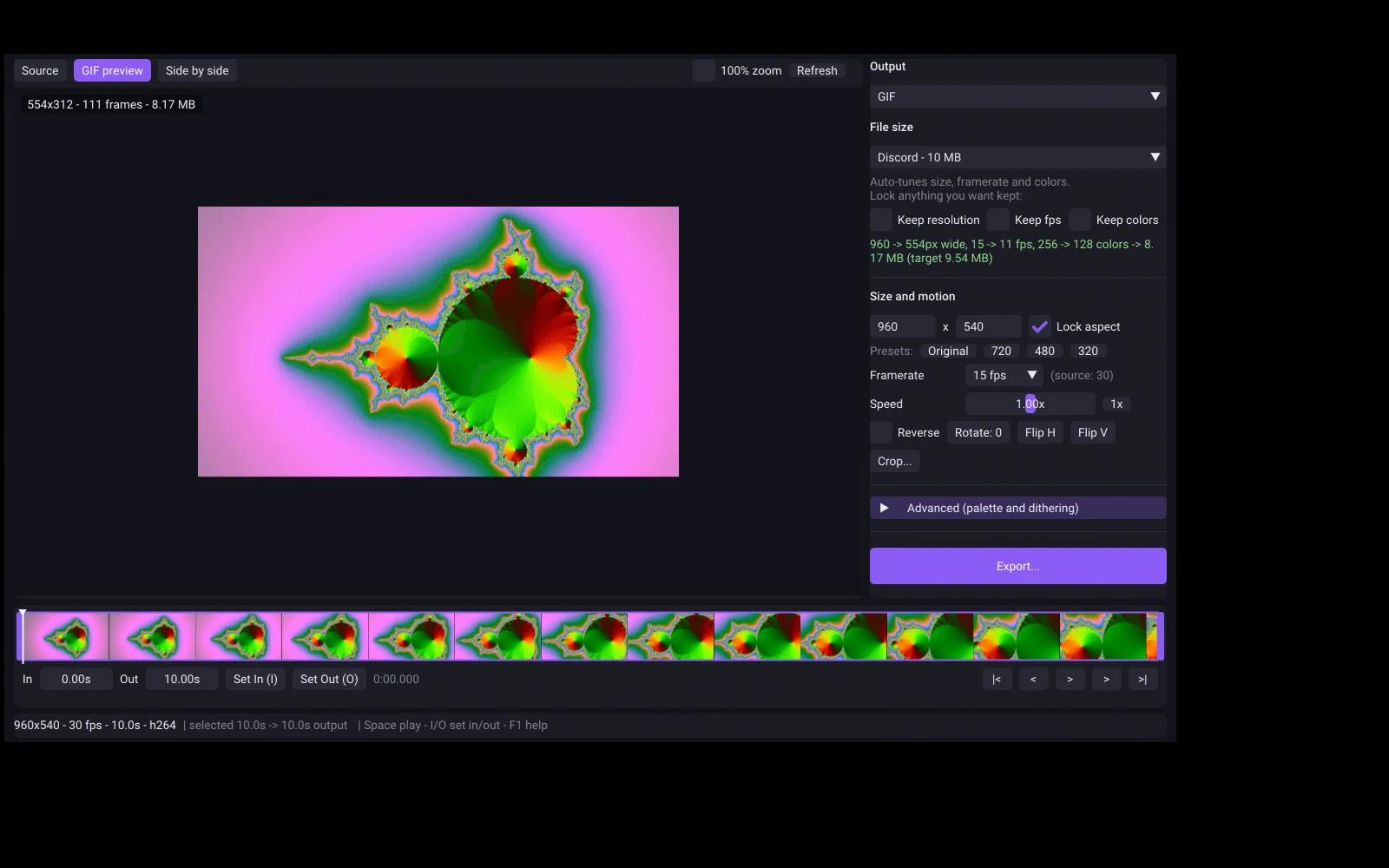
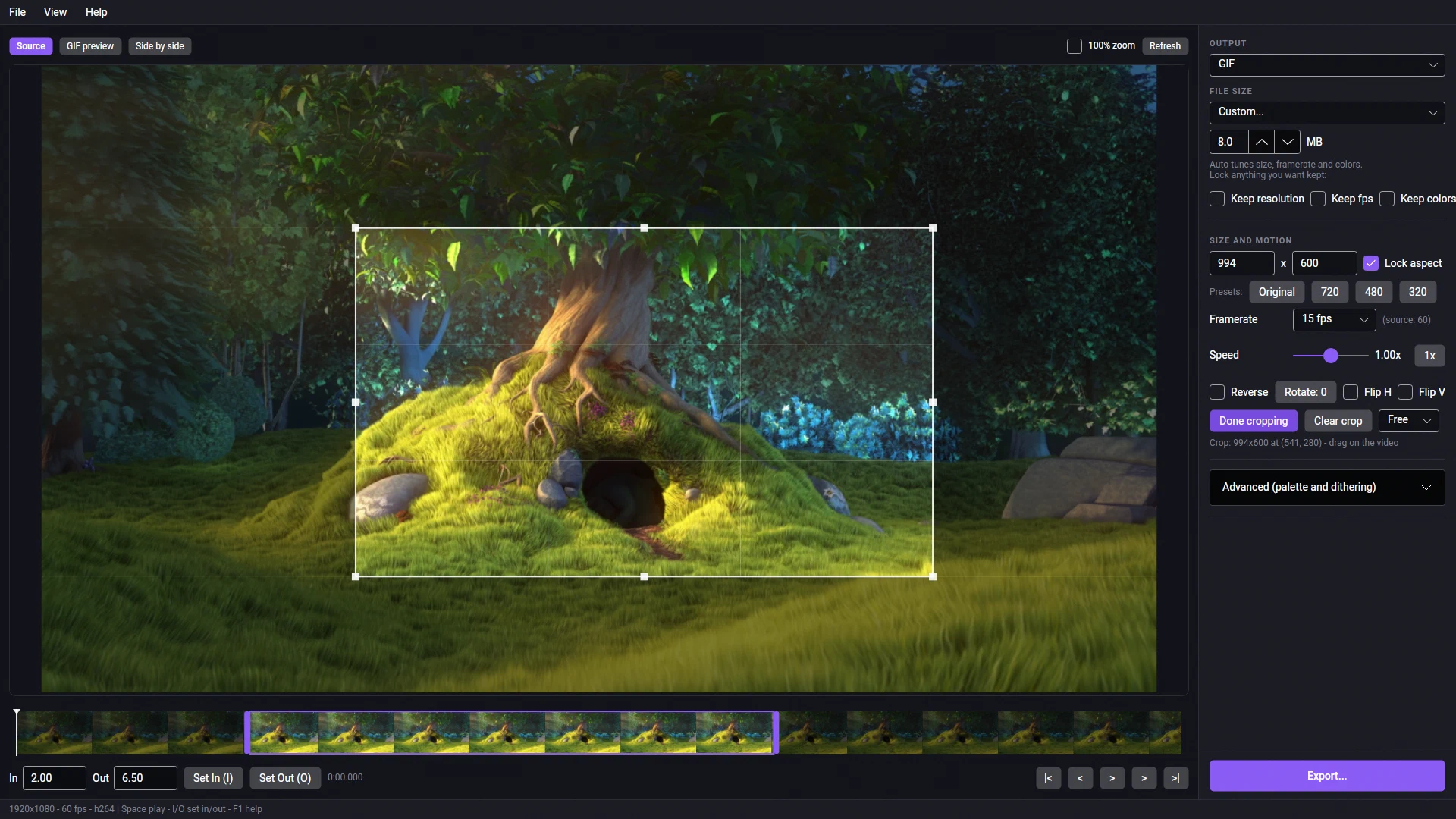
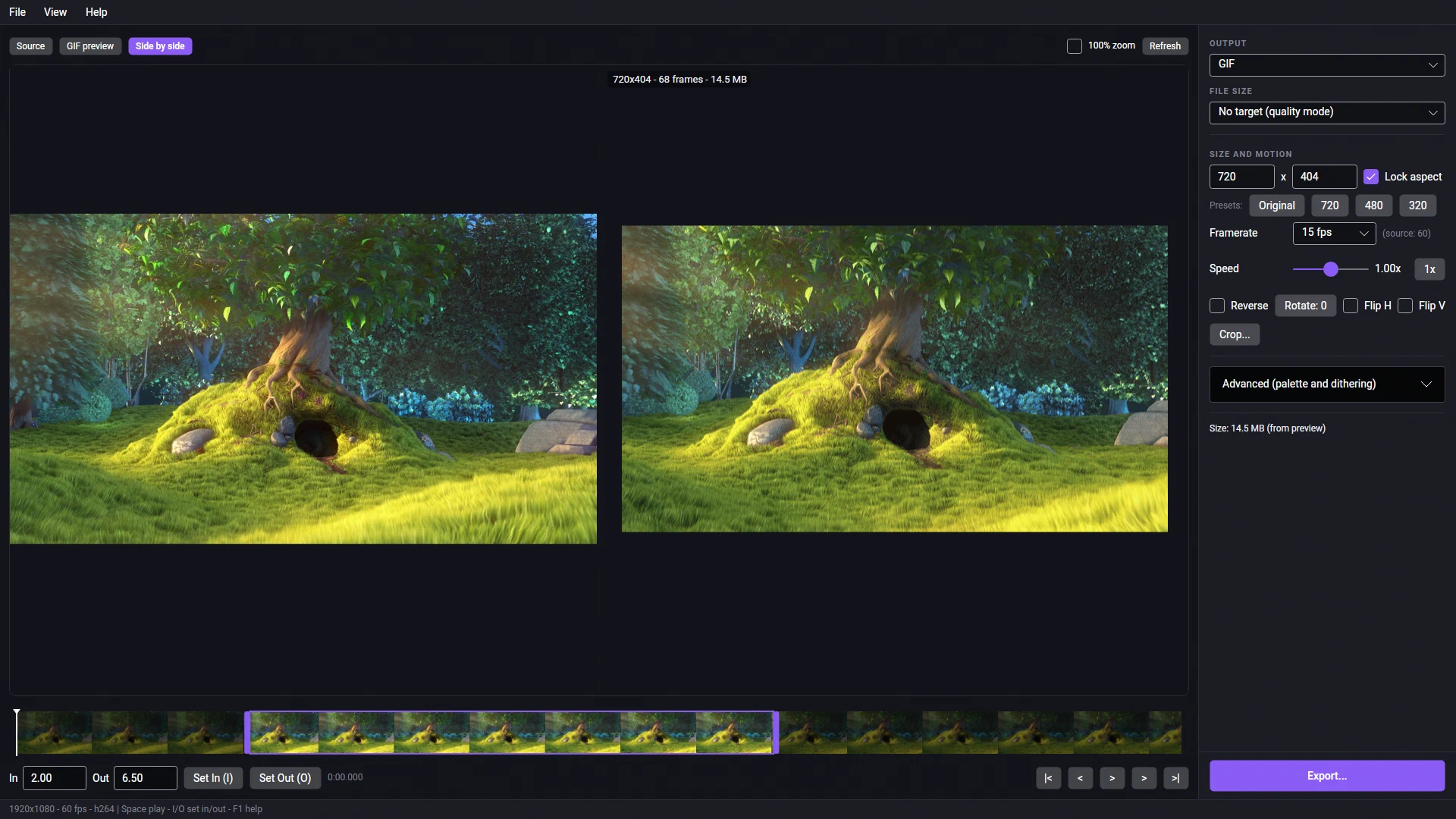
960 -> 588px wide, 24 -> 16 fps, 256 -> 128 colors -> 17.6 MB (target 20.0 MB). For WebP it trades quality instead of colours.The preview is an actual GIF encode with the same palette, dithering and loop as the export, so the size you see is the size you get. There’s a side-by-side view against the source and a 100% zoom toggle. Long selections get a partial preview. (WebP previews aren’t byte-exact.)
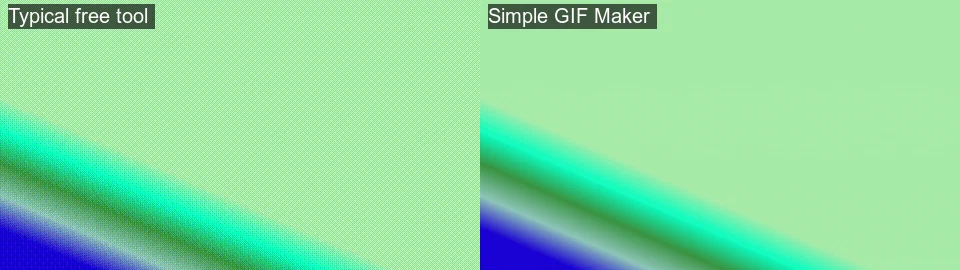
Two-pass palette generation: the first pass studies the whole clip and builds a palette that fits it, the second encodes with that palette. Palette per scene (the default), one palette for the whole clip, or one per frame. Dithering: Sierra (default), Floyd–Steinberg, Bayer with a scale setting, or none. 2 to 256 colours. Defaults: 15 fps, Sierra, auto palette, 256 colours.
Drag the finished file straight into Discord, Slack or a file manager, copy it to the clipboard as a file, show it in its folder, or copy its path. Exports are written as a .sgm-partial file and renamed into place when complete, so a cancelled export never leaves a half-written GIF. The app also has a command-line export mode, which is how the size-target runs quoted in this site’s guides were produced.
The app makes no network connections: no telemetry, no analytics, no crash reporting, no account, no online activation, and no watermark. Temporary encodes are cleared after 24 hours. It runs without Steam once installed and never asks for a review.
No. Record the clip first (OBS, Steam’s recorder, Game Bar, the Snipping Tool and so on), then drop the video file in.
Type Discord’s current limit as a custom size target (the app’s preset list was written before Discord raised its free limit, so use the numbers on our dated Discord GIF size limit page). The app searches for the best-looking file under the target, measures the real result and shows what it changed. If the clip can’t fit even at the lowest settings, it says so and suggests trimming.
Not in 1.0. It’s one file at a time, with no captions or overlays.
No. Neither GIF nor animated WebP can carry audio.
Yes, it’s a native Linux build. It’s a desktop app that needs a pointer and keyboard, so use Desktop Mode. Dragging a file into other apps may not work under Wayland; use Copy file or Show in folder instead. It has no Steam Deck compatibility rating.
No. The app bundles its own encoder, which is most of the 300 MB download. Nothing else to install on Windows or Linux.
ezgif's limits from its own page: 200 MB uploads, 60 seconds at 5 fps or 30 seconds at 10 fps, the first five seconds by default, and files kept on its server for an hour. What an offline desktop GIF maker does instead, on Windows and Linux, with a size target that fits a limit on the first try.
Discord's current upload limits, read from Discord's own help pages on the date shown: 20 MB for free accounts since August 2026, 50 MB with Nitro Basic, 500 MB with Nitro, and under 256 KB for custom emoji. Plus how to make a GIF that fits first time with Simple GIF Maker.
The current GIF and file upload limits for Discord, GitHub, Steam store pages and Slack, each with a link to the official page and the date it was checked, plus how Simple GIF Maker hits any of them on the first try.
The same clip encoded as a GIF and as an animated WebP with Simple GIF Maker's pipeline, with real file sizes, plus a compatibility table for browsers, Discord and GitHub with sources and dates. When WebP wins, when GIF is still the safe choice, and how the app exports both.
GitHub allows 10 MB for images and GIFs attached to issues, pull requests and comments. How to add a demo GIF to a README, why README GIFs look soft, which width, frame rate and colour settings keep app UI crisp, and a measured 10 MB fit with Simple GIF Maker.
Steam's description guidelines ask for every image under 5 MB and all screenshots and GIFs together under 15 MB. How to split that budget across several GIFs, which width and frame rate to use, and a measured 5 MB fit with Simple GIF Maker. Written by a label that ships on Steam.
Why GIFs are so big, and what shrinking one actually costs: width, frame rate, colours, dithering and length measured on the same clip with real file sizes and crops. Then the one-step way with Simple GIF Maker's size target, including shrinking a GIF you already have.
Convert MP4, MKV or WebM to GIF on Ubuntu, Fedora, Arch, Mint or SteamOS with Simple GIF Maker: a native, self-contained Linux build with a real preview and a file-size target, installed from Steam. Tested on this site's Linux build machine, with screenshots.
What separates a clean GIF from a blotchy one: a palette built from the clip itself, and the right dithering for the footage. Measured on one clip with real file sizes and enlarged crops, and how Simple GIF Maker makes those choices for you with a preview that is the real encode.
Voice changer and soundboard for Discord, games and streams: neural voices on your CPU, your own RVC character models, or classic effects. It has its own site now, simplevoicechanger.io.
Batch-convert folders of HEIC, WebP and AVIF images to JPG or PNG, offline, with location data stripped by default.
Point at game text you can't read and it enlarges, sharp, under your cursor. Built for players who don't see small text well.
Force any game borderless or into a real window, on the monitor you want. Rules, tab groups and one-click undo. No admin rights.
A cozy idle railway game in a strip along the edge of your desktop. Trains keep running while you work, and the town grows.
Windows + SteamOS/Linux · one-time purchase · no account. Price and any current discount are shown on Steam.